

 Direct library access
Your music, straight from disk.
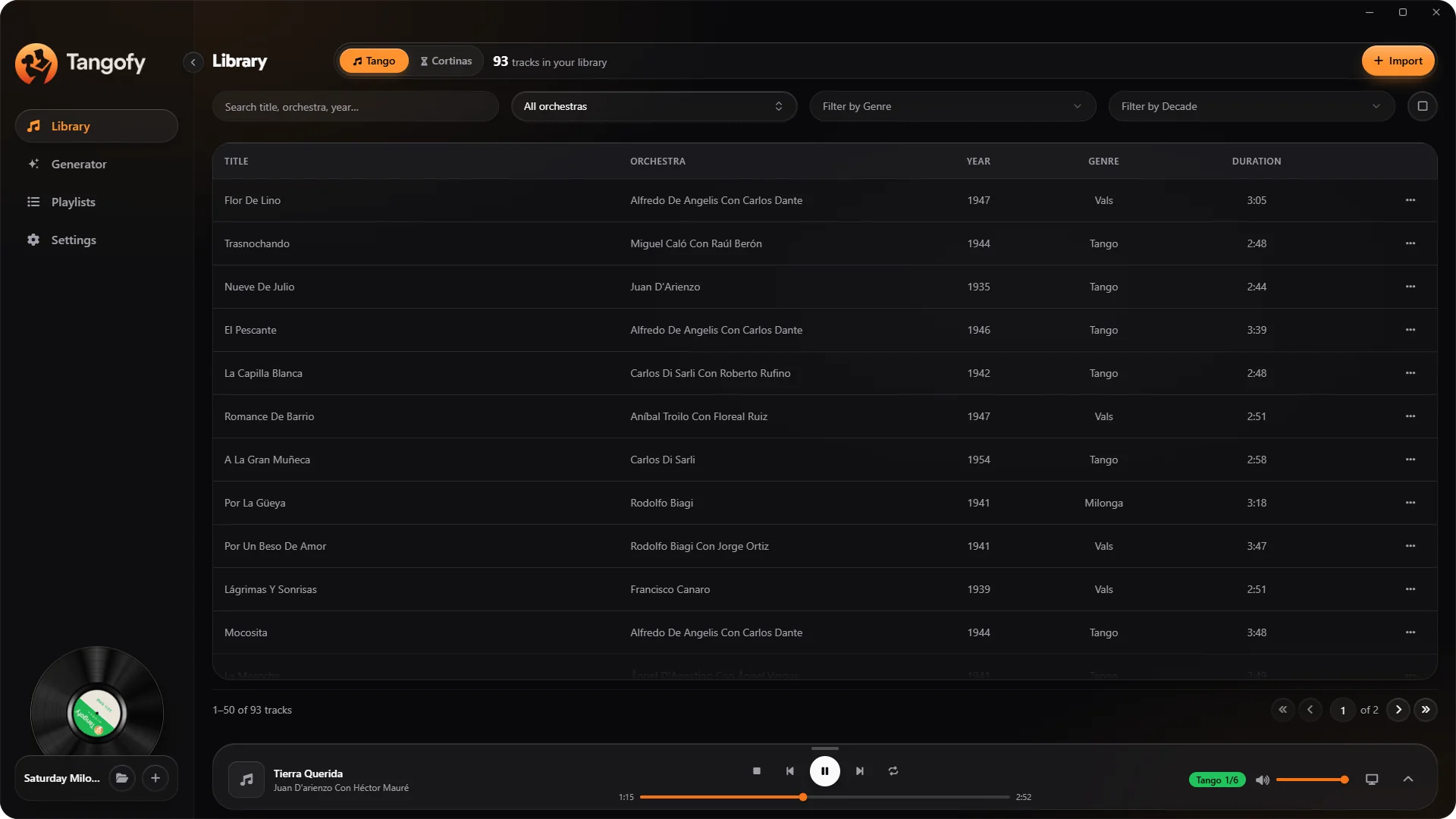
Import music folders from your computer and manage collections of even thousands of tracks, without the folder access limits typical of the browser.
All of Tangofy's tools in an app made for your computer. Organise large music libraries, open your folders directly, prepare your milongas and work with no ads and without the limits of the free version.
The download is free. Using the Desktop version requires a Tangofy licence, available as a one-time payment.
Tangofy Desktop is made for those who want to work with a large music library, keep their projects at hand and use the DJ tools through an app installed on their computer.
Direct library accessImport music folders from your computer and manage collections of even thousands of tracks, without the folder access limits typical of the browser.
 No project limits
Create and manage your music projects without the usage limits of the free Web version, keeping milongas, classes, prácticas and events apart.
 No ads
Work in the Desktop app with no adverts, in a space devoted to your library and your tools.
 One-time purchase
The Desktop version unlocks with a one-time payment tied to your Tangofy account, with no monthly or yearly renewals.
Explore your tracks and filter the music by orchestra, singer, genre and period.
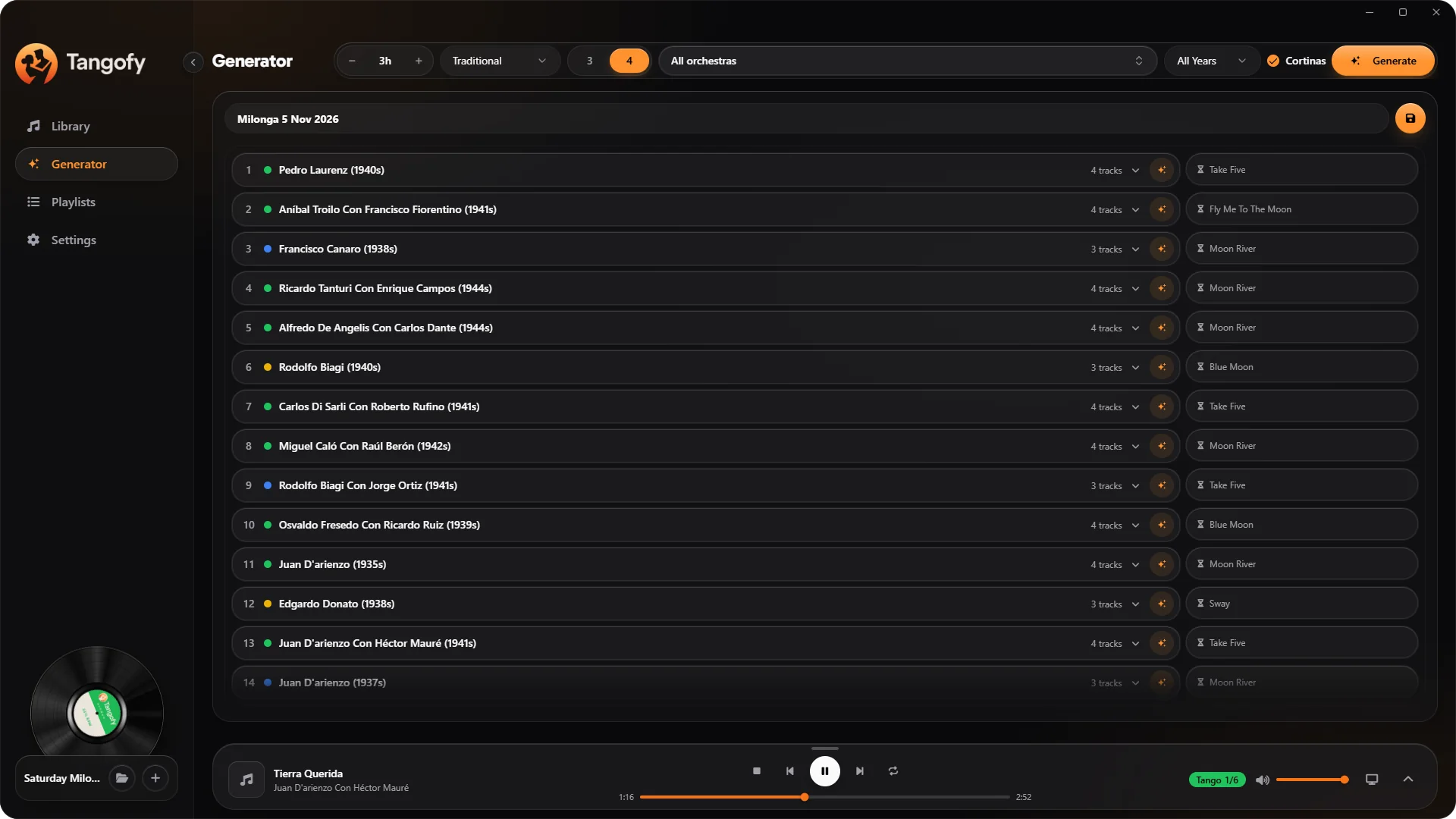
Prepare a milonga proposal by choosing length, musical pattern, orchestras and cortinas.
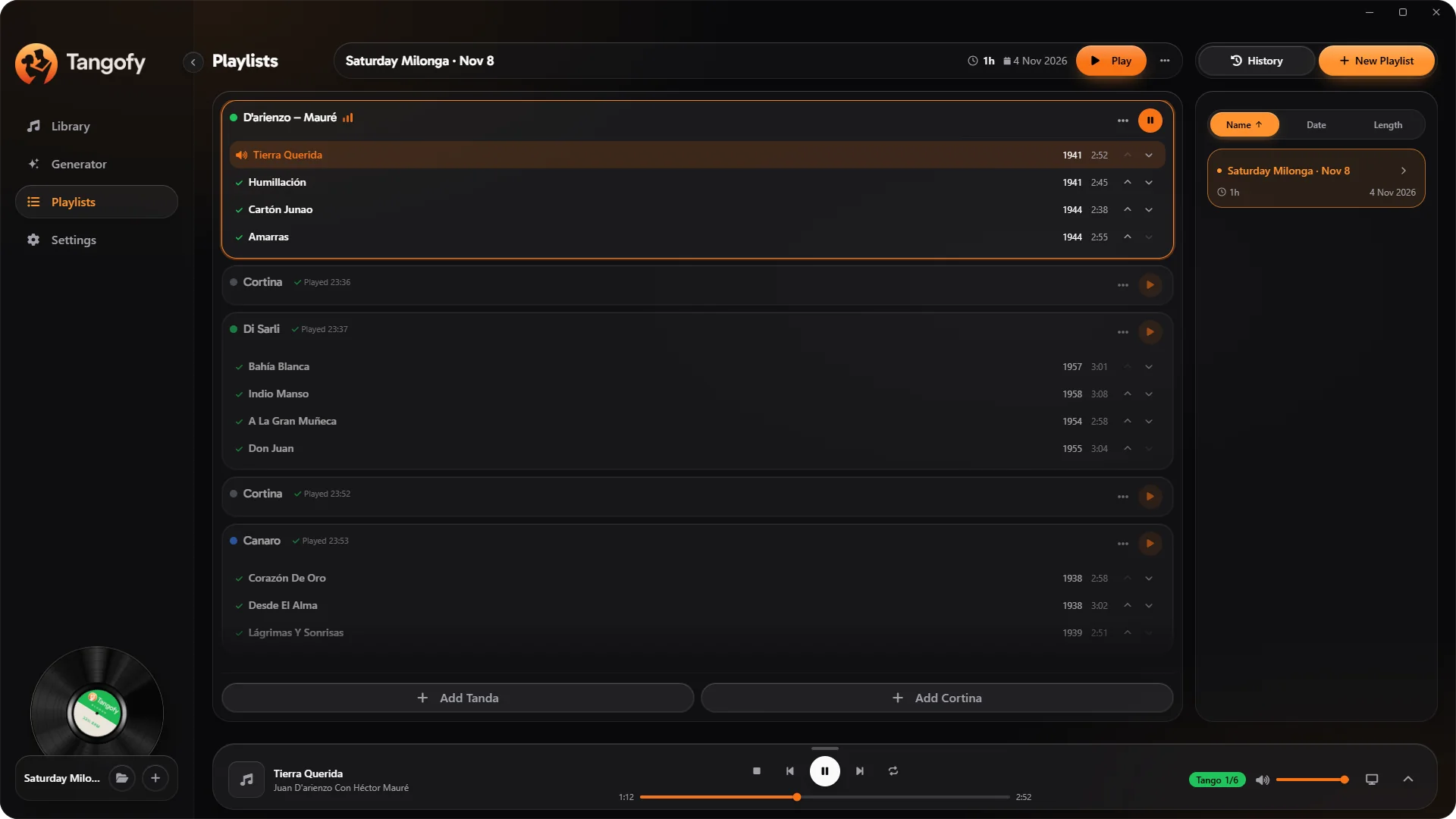
Arrange the sequence of tandas and manage playback track by track.
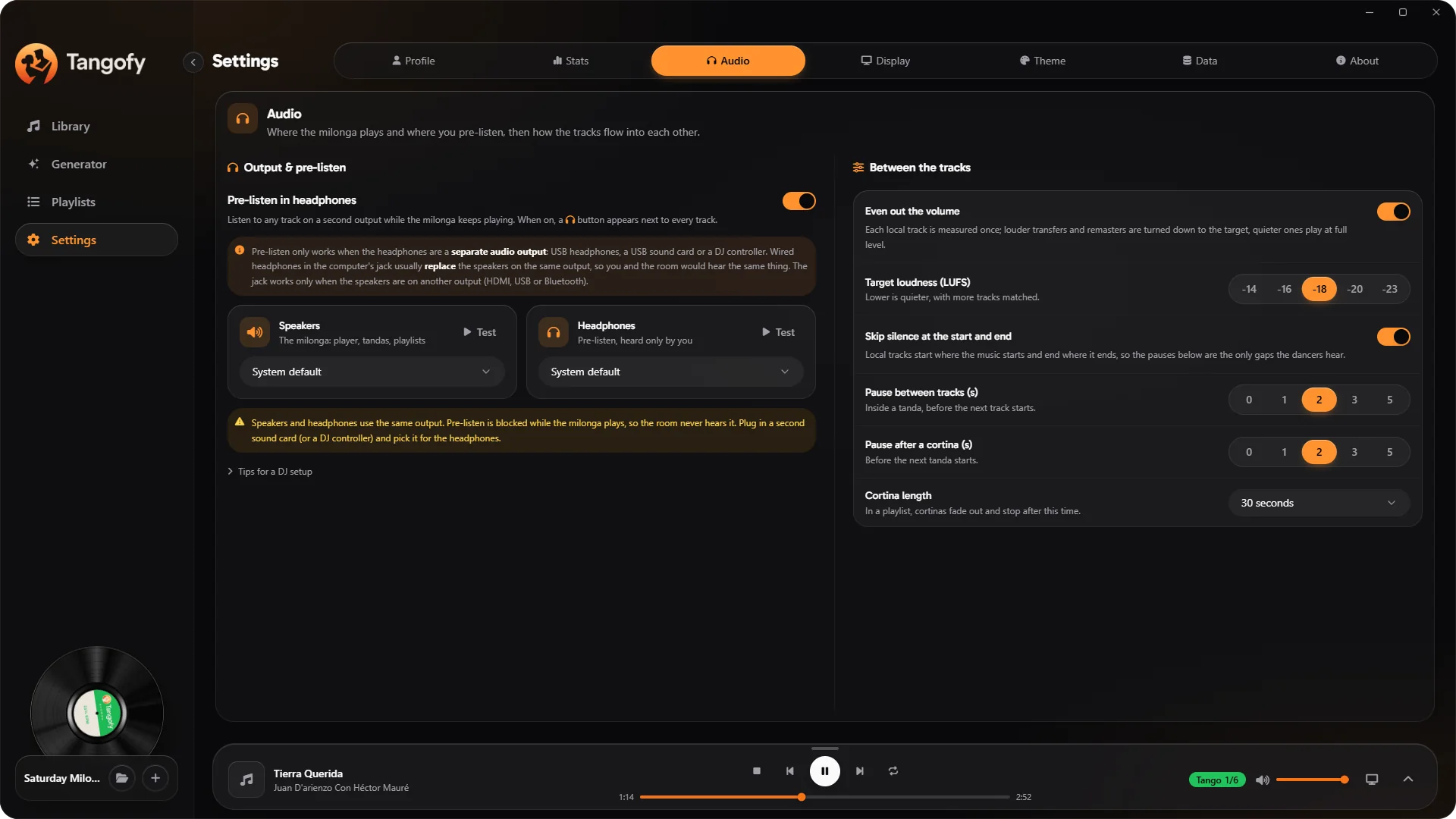
Tailor audio, projects, sources and preferences to your needs.
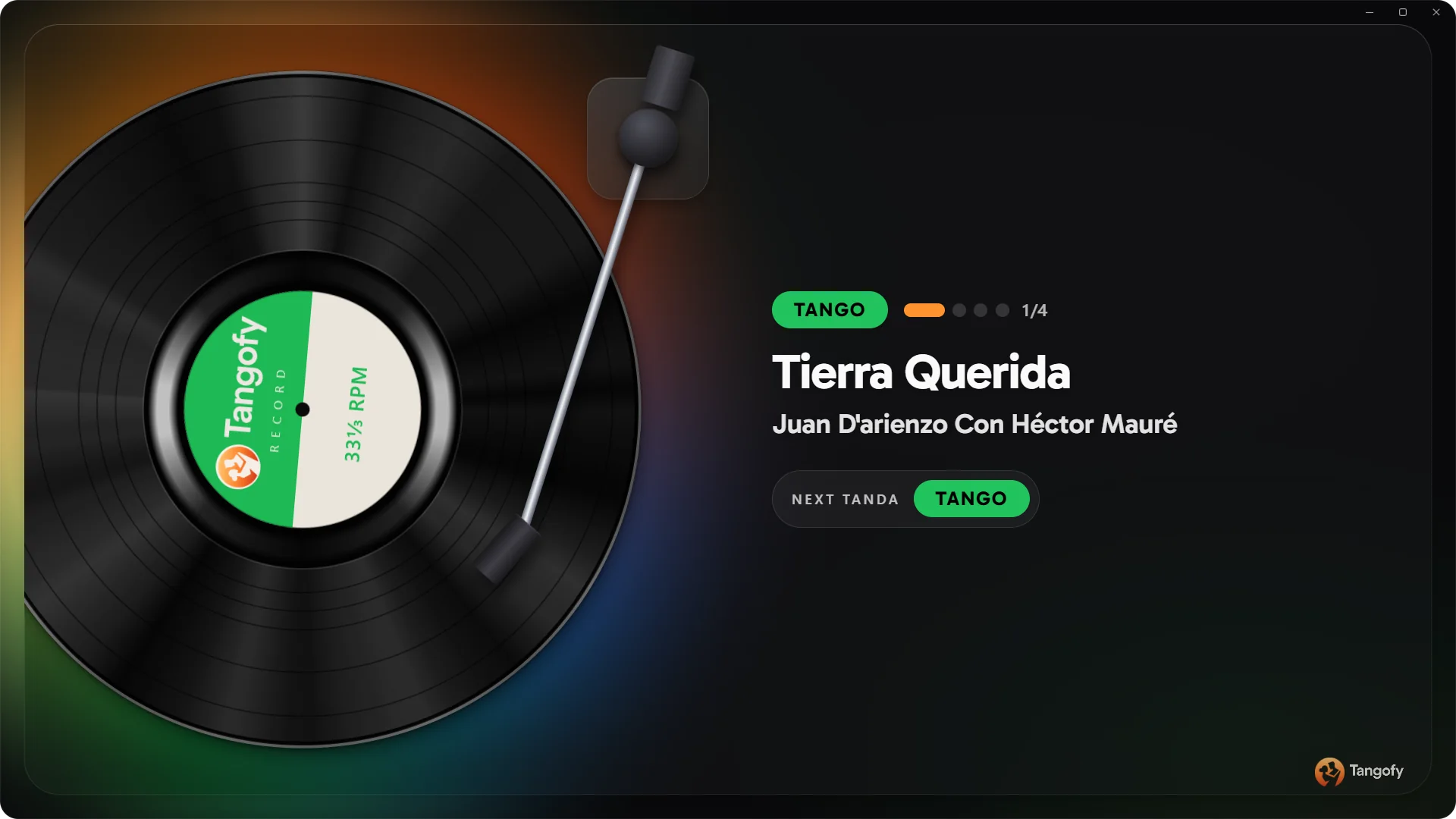
Share on the venue screen the information about the music playing.
Three steps, and your music is ready for the next milonga.
Download Tangofy Desktop for Windows and complete the guided setup: in a few minutes the app is ready on your computer.
Choose the folders with your tracks or connect Spotify. Tangofy recognises orchestras, singers and years and puts your library in order.
Prepare your tandas, generate the milonga and press play: headphone pre‑listen, even volume and the dancer display.
Sign in with your Tangofy account to find your synced projects, and activate Tangofy Desktop with the one-time licence.
Windows may show a warning when installing applications that are not widely downloaded. Check that the file comes from the official Tangofy website and look at the publisher information. If you cannot verify where it comes from, do not go ahead with the installation.
Tangofy Web is free and has the same milonga features: try it in your browser and move to Desktop when you need more.
For now the app is Windows only. On Mac you can use Tangofy Web from Chrome or Edge. If you'd like it as an app, in Chrome or Edge choose “Install” from the browser menu or from the icon in the address bar: it gets its own window and icon, with nothing to download.
Tangofy Desktop is available for 64-bit Windows 10 and 11. If you use a Mac or would rather not install anything, you can open the Web version right in your browser.
For the advanced audio features and local folders, Chrome or Edge on a computer are recommended.
From your first selection to your next night, find your tools in one space devoted to Argentine tango.